2026-10-02
5 n8n automations your small business should already have
Which n8n automations should a small business build first?
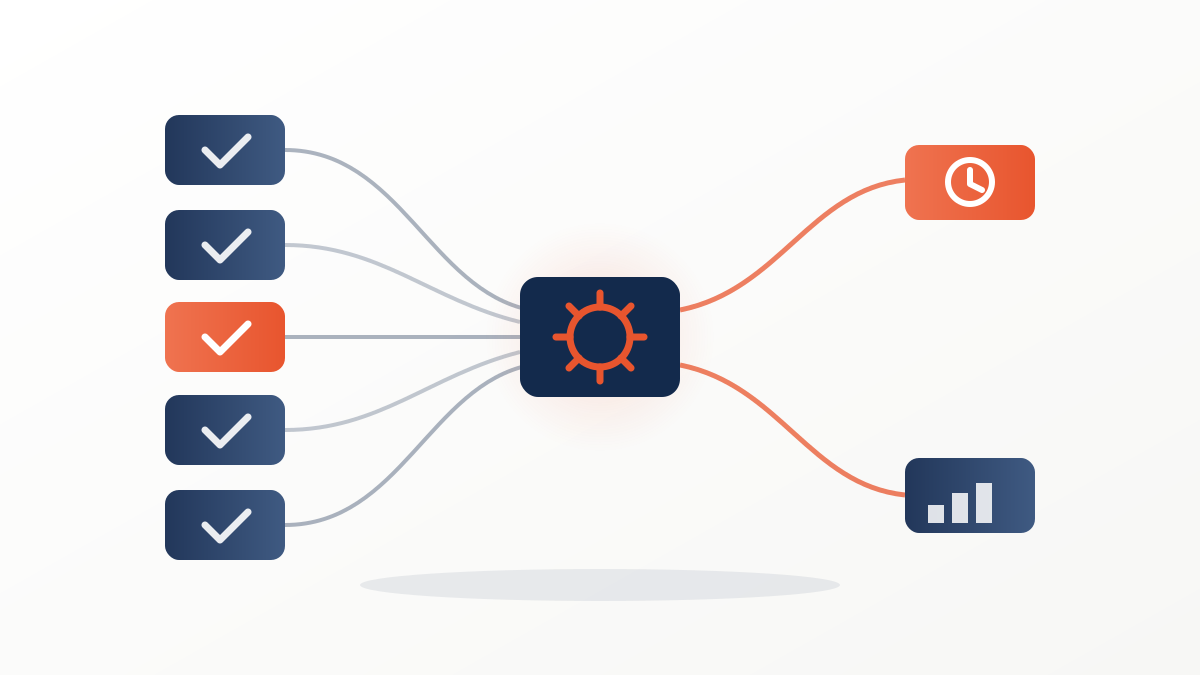
The five with the highest return per hour invested are: instant lead follow-up, automatic replies to website forms, ROAS alerts when a campaign drifts, appointment reminders, and an automatic weekly report. Together they remove 8 to 12 hours of manual work per week in a typical small business, and all five can be built with n8n — an open-source automation tool that costs from around €20/month in the cloud, or the price of a basic server if you host it yourself.
The selection criterion isn't how impressive the workflow looks, but where a small business loses money every week: leads going cold without a reply, campaigns spending while nobody is watching, no-show appointments, and hours of copying data by hand for "the report". Let's go through them one by one, each workflow step by step.
1. Instant follow-up for Meta and TikTok Ads leads
It comes first for a simple reason: contacting a lead within the first 5 minutes makes you more than 8 times as likely to qualify them compared to waiting half an hour. The workflow:
- Trigger: the lead arrives from the native Meta Ads or TikTok Ads lead form (native node or webhook).
- Record: n8n creates the contact in your CRM with the source campaign and ad.
- First reply: an immediate WhatsApp message or email, personalised with the name and the interest they selected on the form.
- Sales alert: a notification with the lead's details so the human call lands while the interest is still warm.
This workflow has its own full guide (tools, costs and common mistakes) in how to automate your lead follow-up with n8n.
Want us to apply this to your account?
Book your audit2. Automatic replies to website forms
The website contact form usually feeds an inbox that someone checks "when they get a chance". This workflow turns it into a minutes-level response channel:
- Trigger: an n8n webhook connected to the website form (contact, quote request, booking).
- Classification: a conditional node splits enquiries by type — quote, support, other — based on the field the user selected.
- Instant reply: a confirmation email with a concrete next step ("we'll call you tomorrow before 2 p.m.", a booking link).
- Record and routing: the contact lands in your management tool with its label, and the right person gets notified only about theirs.
What separates this from a generic autoresponder is step 2: each type of enquiry gets a different reply and reaches the right person, not a shared inbox.
3. ROAS alerts when a campaign drifts
A campaign can burn budget for days before anyone opens the ads manager. This workflow keeps watch for you:
- Scheduled trigger: every morning, n8n queries the Meta Ads API (and any other active platform) and pulls the previous day's spend, conversions and revenue.
- Calculation: a node computes the real ROAS per campaign and compares it with the threshold you've defined (your break-even ROAS, for instance).
- Filter: only campaigns that fall below the threshold, or whose daily spend spikes above plan, get through.
- Alert: a message to your team channel or WhatsApp with the campaign, the figure and a direct link to the ads manager.
It doesn't replace a thoughtful weekly review; it guarantees no major deviation waits for the next meeting to be discovered. If you run campaigns under an agreed spend cap, this is the alert that warns you before you get close to it.
4. Appointment reminders (and fewer empty chairs)
For clinics, beauty salons, consultancies or any business that runs on a diary, every no-show is a slot you can no longer sell. The workflow:
- Trigger: a new or modified appointment in your calendar or booking tool.
- Instant confirmation: a WhatsApp message or email with date, time, address and how to reschedule if needed.
- 24-hour reminder: a short message the day before, with one-tap confirm or reschedule.
- 2-hour reminder: only if the appointment is still unconfirmed, one last brief nudge.
- Reacting to gaps: if the client cancels, n8n alerts the team (or a waiting list) so the slot gets filled.
Diary-based businesses that set up this sequence tend to cut no-shows dramatically — and every no-show avoided is direct revenue, without spending another euro on acquisition.
5. Automatic weekly report
The report someone assembles every Monday by copying data from three platforms into a spreadsheet is the most gratifying automation to build:
- Scheduled trigger: Monday at 7:00 a.m.
- Collection: n8n queries the ad platforms, web analytics and your CRM — the week's spend, leads, sales and cost per lead.
- Composition: a node formats the summary: key figures, comparison with the previous week, and the two or three deviations worth attention.
- Delivery: the summary arrives by email or in your team channel before the working day starts, always in the same structure.
The value isn't just the time saved: it's that the report gets done every single week, with the same criteria, even in August or when the person who usually does it is off sick.
How much time they save: manual vs automated
| Task | Manual (per week) | Automated (per week) | Weekly saving |
|---|---|---|---|
| Lead follow-up (recording + first reply) | 3 - 5 h | ~15 min of supervision | 3 - 4.5 h |
| Replying to and routing website forms | 1 - 2 h | ~10 min | 1 - 2 h |
| Daily campaign checks for deviations | 1.5 - 2.5 h | ~10 min (alerts only) | 1.5 - 2.5 h |
| Appointment confirmations and reminders | 2 - 3 h | ~10 min | 2 - 3 h |
| Weekly results report | 1.5 - 2 h | ~15 min of reading | 1.5 - 2 h |
| Total | 9 - 14.5 h | ~1 h | 8 - 13.5 h |
These are indicative ranges for a small business with one or two active campaigns and an appointment diary; what matters isn't the exact figure but that the automated time is supervision (reading alerts, checking everything flows), not execution. And there's a saving the table doesn't capture: the lead answered at 11 p.m. on a Saturday and the appointment slot that doesn't sit empty aren't hours saved — they're revenue that used to be lost.
Where to start (and what not to automate yet)
Start with the automation that touches money you're already paying: if you invest in ads, lead follow-up; if your business runs on a diary, appointment reminders. Build one workflow, watch it for two weeks, and only then add the next — five half-finished flows fail more often than two well-supervised ones. And leave anything involving a sales conversation for later: automation opens the door and delivers the data; closing is still a job for people.
If you want to know which of these five fit your business and how much money is leaking today through the gaps they would cover, book a free audit and we'll look at it with your real data — campaigns, forms and diary included.
You might like


Comments (0)
Comments are reviewed before publishing. Protected against spam.